Page 311 - WPDSA Students Site
Main menu:
| This unit has: |  |  |  |  |
| Unit 01: Introduction to the Online Driver's Education Program | ||
Welcome to the Wisconsin Professinal Driving School Association's Online Driver's Education Program.
 | This program is being offered through the partnership of the driving school you received the course access information from. | |
This program was developed with the help of several WI DOT licensed driving schools and their instructors. | ||
_______________________________________________________________________________________________________________
| Driving is a responsibility and this couse must be taken seriously by the student. Every day people are injured and killed due to vehicle crashes caused by drivers that did not take the task of driving seriously. |  | |
_______________________________________________________________________________________________________________
 | By accessing this program, you agree to follow all terms and conditions provided to you by the driving school you are registered with. By accessing this program, you also agree to follow all terms and conditions of the WPDSA Online Academy. | |
| Violation of any of the terms and conditions of the driving school and/or the WPDSA Online Academy may result in being denied access to the program. | ||
| Remember, the student registered MUST be the person taking this course. Parents, family, friends and/or others and NOT allowed to take the course for the registered student. | ||
| If at any time the driving school and/or WPDSA determines that the course was not taken by the registered student, access to the program will be blocked and any completed units will not be counteed towards completion of this course. Program access will also be denied if the driving school and/or WPDSA determines that a student has attempted to or has cheated the system to complete a unit(s). |  | |
_______________________________________________________________________________________________________________
Please be sure to have your course username and password ready each time you log into the course. Please be sure to use only the username and password that was assigned to you by the driving school you are registered with. Using a username and/or password not issued to you will result in you not recieving credit for the units you completed while using that username and/or password. | ||
 | If you enter the incorrect username and/or password three or more times, the system will lock you out unitl WPDSA Online unlocks your account. If you think you have become locked out, please fill out and submit a Unit Problem Report. | |
_______________________________________________________________________________________________________________
 | This program is based on the driver education requirements for the State of Wisconsin per WI State Statutes and Administrative Rules. | |
| The WPDSA Online Academy attempts to keep the course as up to date as possible. From time to time there will be updates to this course. | ||
_______________________________________________________________________________________________________________
| Successfully completing this course will meet the State of Wisconsin requirements for the classroom portion of Wisconsin driver's education requirements. |  | |
| The WPDSA Online Academy does not issue certificates of completion when a student has completed the course. The driving school you are registered with is responsible for reporting the course completion to the WI Department of Transportation. If you are taking both the classroom and in-car training with the same driving school, completion of the entire course will be entered by the driving school once both classroom and in-car training has been successfully completed. | ||
_______________________________________________________________________________________________________________
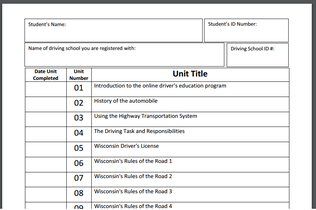 | All students are required to download and fill out the Unit Tracking Form. This form will be turned into the driving school you are registered with once this online classroom course is completed. | |
| It is the student's responsiblity to print and fill out the Unit Tracking Form. The student must provide WPDSA Online a copy of the filled out form if requested. If the dates on the Unit Tracking Form do not match those on file with the WPDSA Online Driver's Education Program, those dates that do not match may not count as successfully completed and may result in the student having to re-do those units. | ||
_______________________________________________________________________________________________________________
 | The student is required to complete the WPDSA Online Driver's Education course within one hundred eighty (180) days (6 months) of the course start date. The course start date will be determined by when the student has completed Unit 01. The course provider (the driving school you are registered with) may require the student to start the course from the beginning if the course is not completed within the required time. | |
If you are going to need more than 180 days (6 months) to complete the course, please contact the course provider for what to do. The course provider may allow you to extend the course completion time.
_______________________________________________________________________________________________________________
| For basic answers to your questions about this program, please visit the WPDSA Online Driver's Education Program Question and Answers Page. |  | |
_______________________________________________________________________________________________________________
 | Contacting the WPDSA Online program support center. | |
If at any time during the course you have an issue or problem with a unit, please first check the Troubleshooting page.
If you are unable to find a solution to the issue or problem on the Troubleshooting page, please fill out and submit a Unit Problem Report Form located on the Troubleshooting page.
At this time, WPDSA Online does not have a program support phone number to call. This is due to the high number of calls WPDSA Online received about questions the driving school you are registered with has the answers to. Any contact with WPDSA Online from a student or their parent/guardian should be made either through the driving school or through the Unit Problem Report.
_______________________________________________________________________________________________________________
 | WPDSA Online's goal is for you to become a: SAFE, DEFENSIVE, and RESPONSIBLE DRIVER | |||
| In order for that to happen, YOU, yes YOU, must take this course serious and make every effect to understand and retain the information covered in this course. The information in this course is going to be used for many years. Don't just do the minimum to get through the course. Make every effort to understand and become a safe, defensive, and responsible driver. | ||||
_______________________________________________________________________________________________________________
 | The WPDSA has developed a New Driver's Manual for the student to refer to. The driving school you are registered with should have provided you with a copy of that manual. If not, ask them or you may access it from this web site. Just look for the link at the top of this page. | |
_______________________________________________________________________________________________________________
 |  |
The WPDSA Online Driver's Education Program is divided into 60 units with each unit being approximately 30 minutes in length.
Please remember that WI State law only allows for up to 4 units (2 hours) of classroom instruction per day.
(WI Administrative Code Trans 105.07(2)(a))
If you complete more than 4 units in a day, the system will not register any units completed after the 4th unit is completed on that date. The system will then require you to re-do those units not registered as completed. The system may also lock you out if you attempt to complete more than 4 units per day.
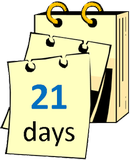
WI State law requires the classroom phase must also span over a period of 21 days.
(WI Administrative Code Trans 105.07(2)(a))
If you attempt to complete the course before 21 days from Unit 01 completion date, the system will not register Unit 60 as complete. They system will then require you to complete Unit 60 again and/or may lock you out of the system.
_______________________________________________________________________________________________________________
| Some of the units have audio and/or video as part of the presentation. Please be sure to have your speakers or headphones on and ready. | ||
 | Whenever possible, we have placed the audio icon, that you see to the left, just prior to the unit section that has audio. | |
 | We have also placed the video icon, that you see to the left, just prior to the unit section that has video. | |
The videos that are in this program are going to use the MP4 format or will be a YouTube video from the WPDSA video library. Please remember that video download and playback time will vary from computer to computer. Other devices in the home that are streaming video and/or music will affect the download and playback speed of this programs videos. The more items in the home using internet, the slower the download and playback will be for this program. | ||
Please play the video to the right. ----------->>>>>>>
If the video plays with no issues, the videos in this program should work fine on the device you are currently using.
If the video did not download or play correctly, then it is suggested that you try a different device. You may also need to download an application to play the video.
| To view the video in FULL SCREEN mode, click on the full screen icon located at the bottom right of the video screen. When the video is done, just click on the ESC button. |  | |
_______________________________________________________________________________________________________________
At times, you may be prompted to enter a code or to click on a button to continue the unit. This is to ensure that you are paying attention to the unit and not just letting the unit run it's time.
Failure to follow the onscreen directions will cause the program to time out resulting in the unit having to be started over from the beginning.
_______________________________________________________________________________________________________________
| DO NOT click on the page refresh icon on your browser while working on a unit. Doing so will cause the system to not register that unit as completed and will result in you starting the unit from the beginning. |  | |
| If you close or log out of the program before the unit is complete, you will not receive credit for completing that unit. | ||
_______________________________________________________________________________________________________________
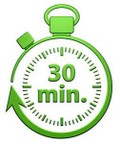 | When you sit down to do a unit, be sure to allow at least 30 minutes of uninterrupted time to complete the unit. | |
The unit may time out on you if you take too long or there is no activity on the unit. If the unit times out, you will be required to start the unit over. | ||
_______________________________________________________________________________________________________________
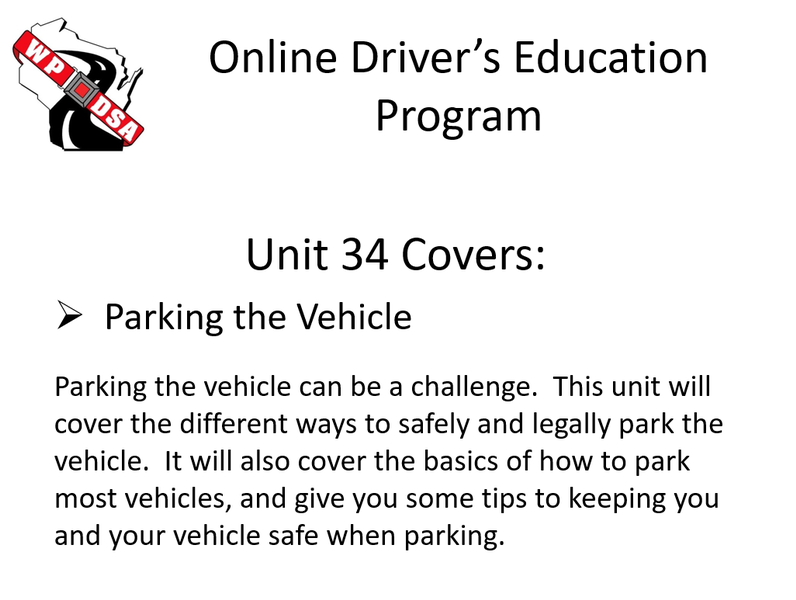
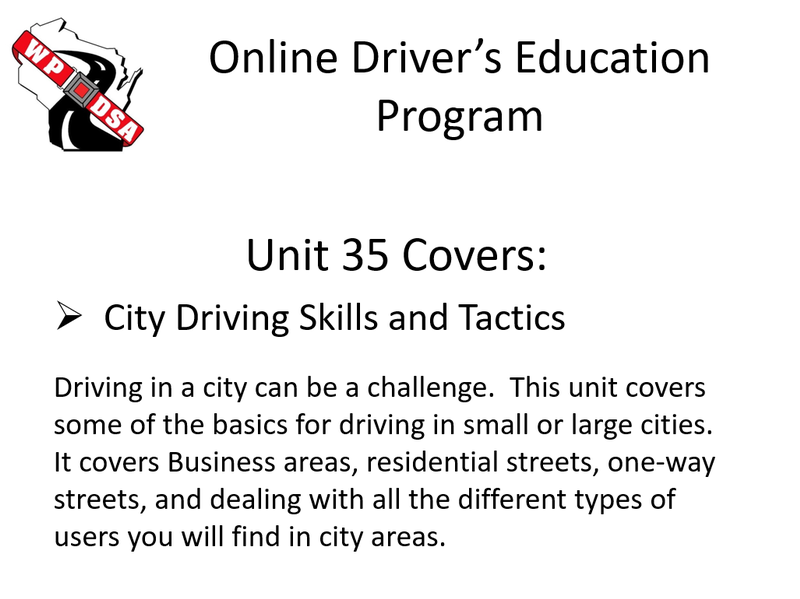
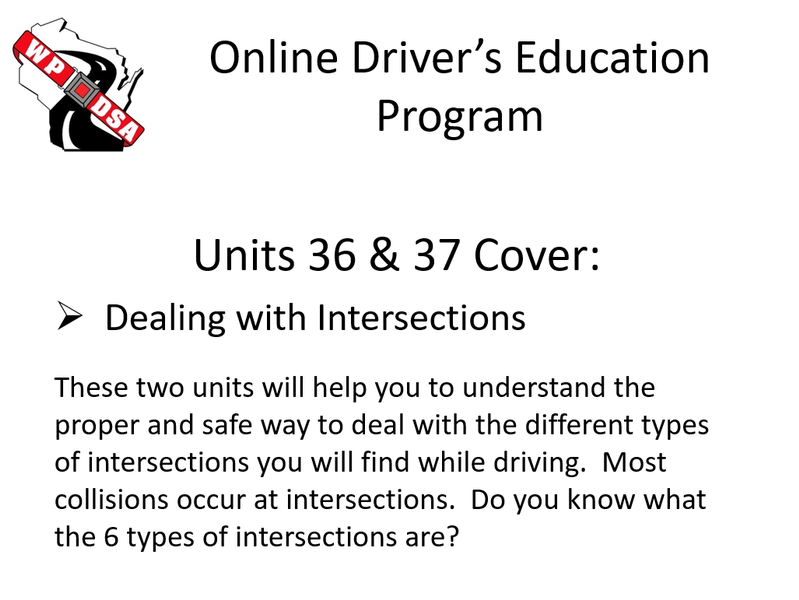
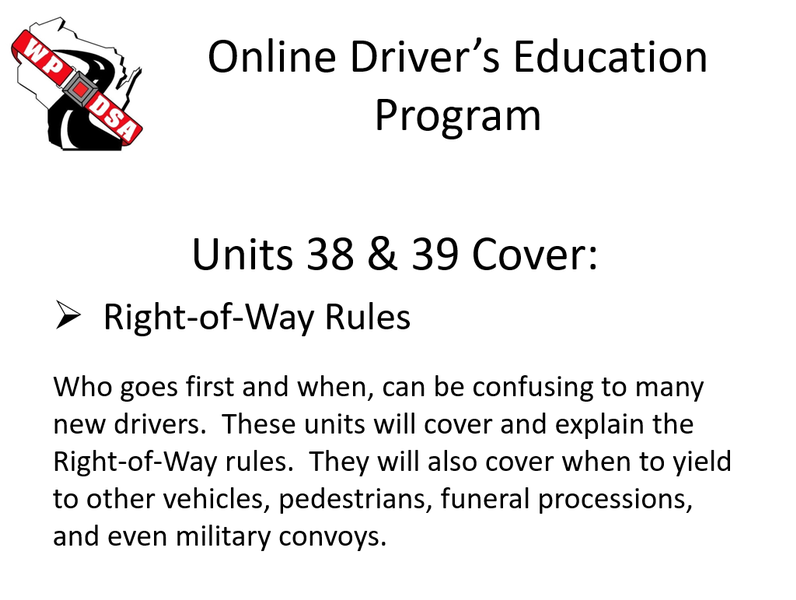
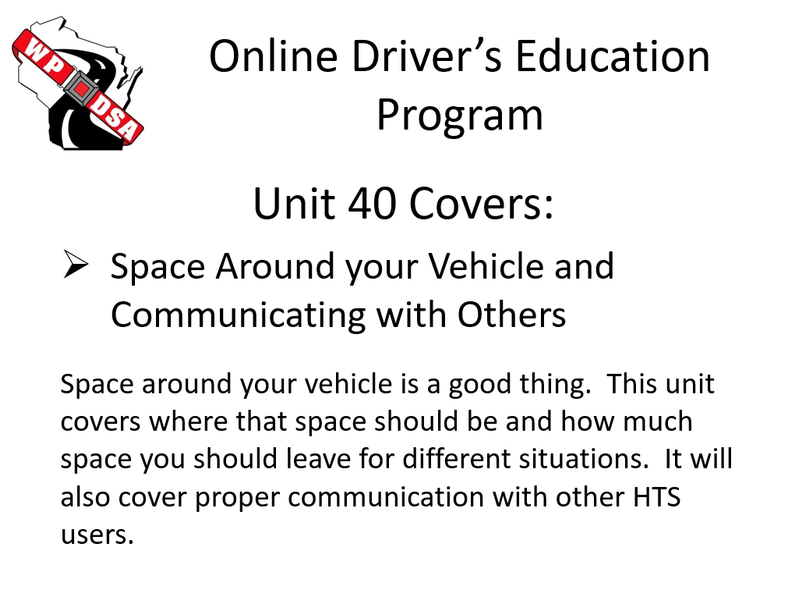
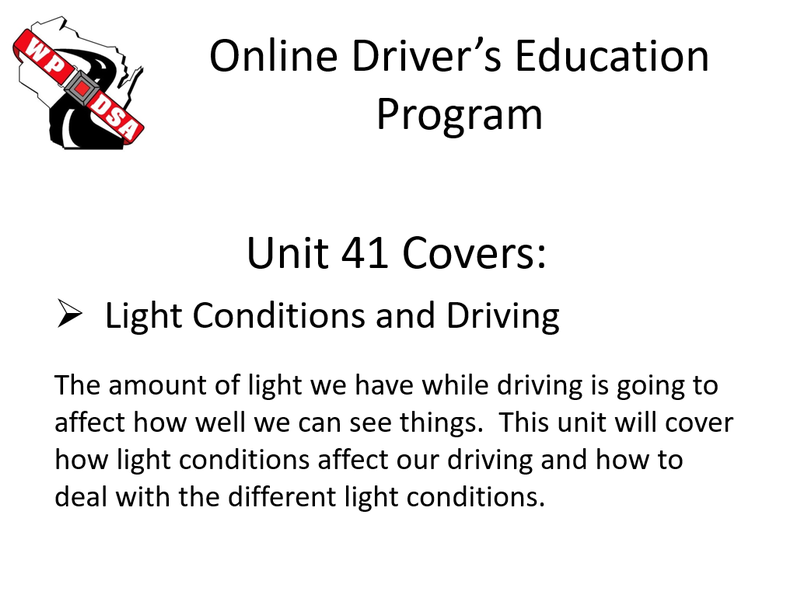
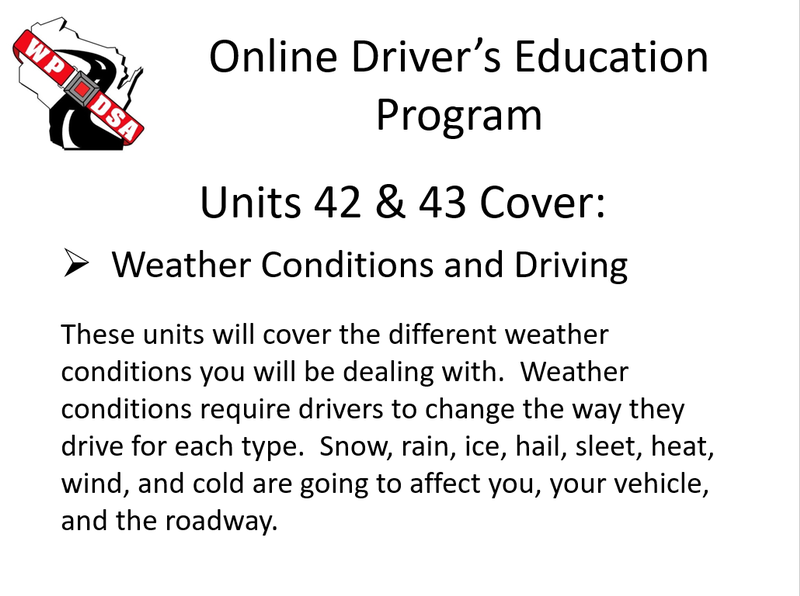
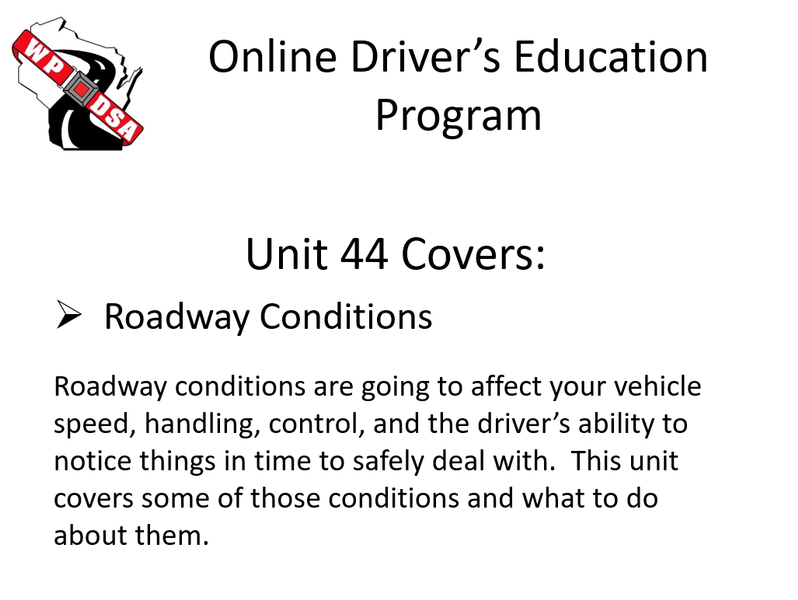
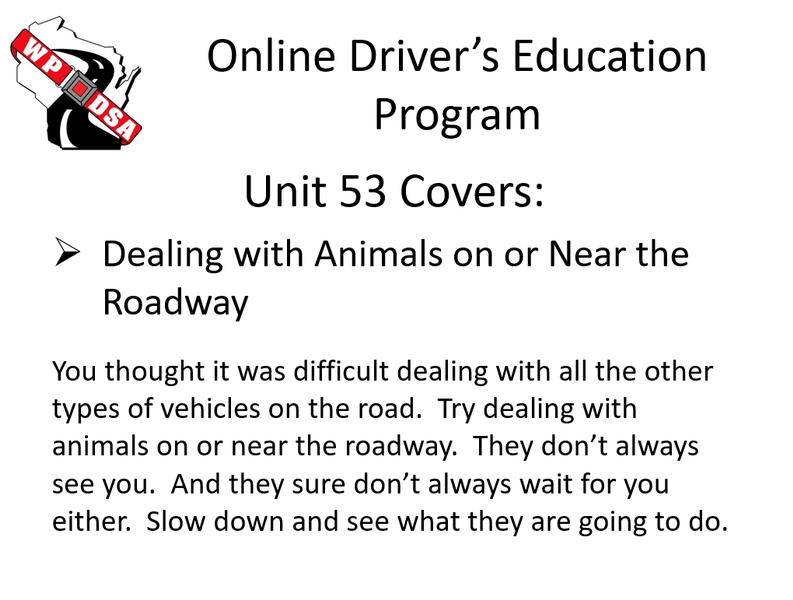
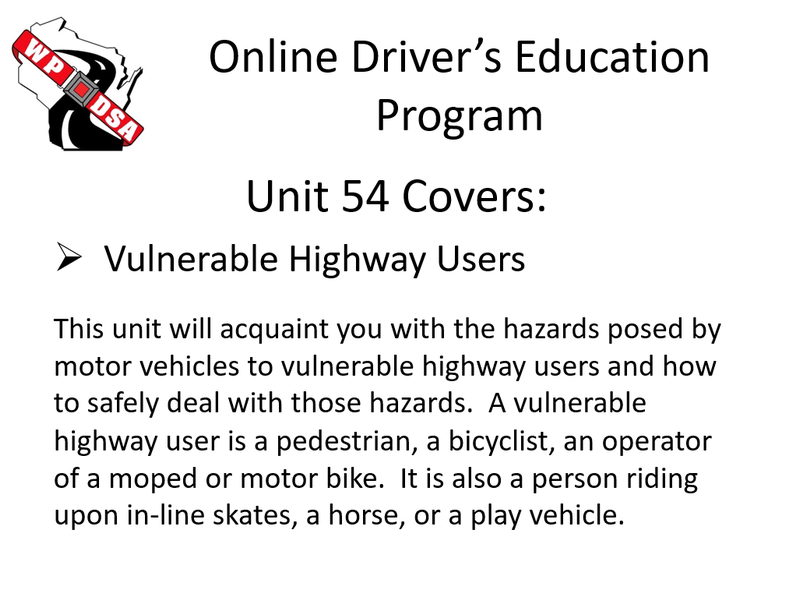
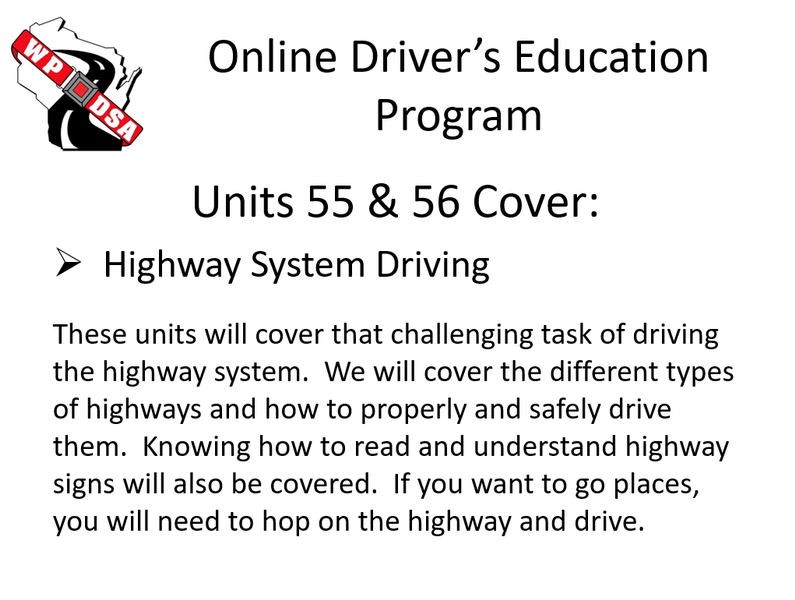
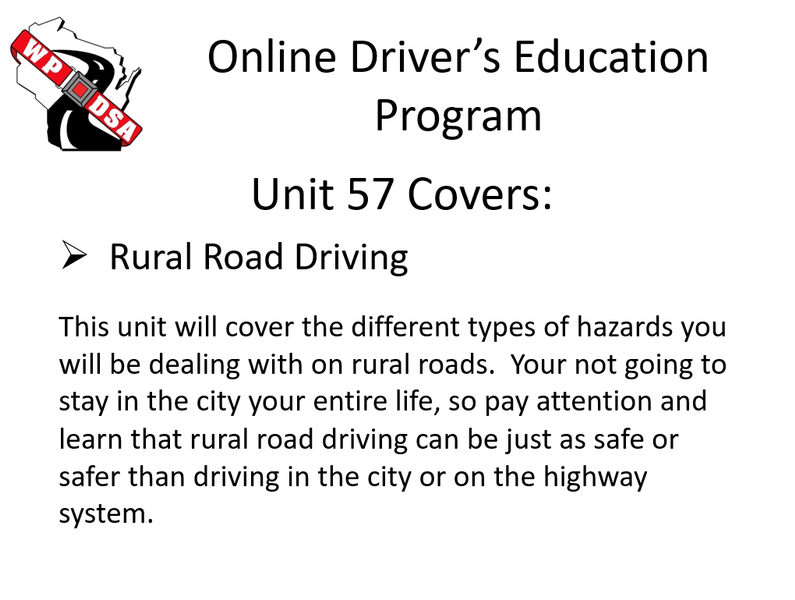
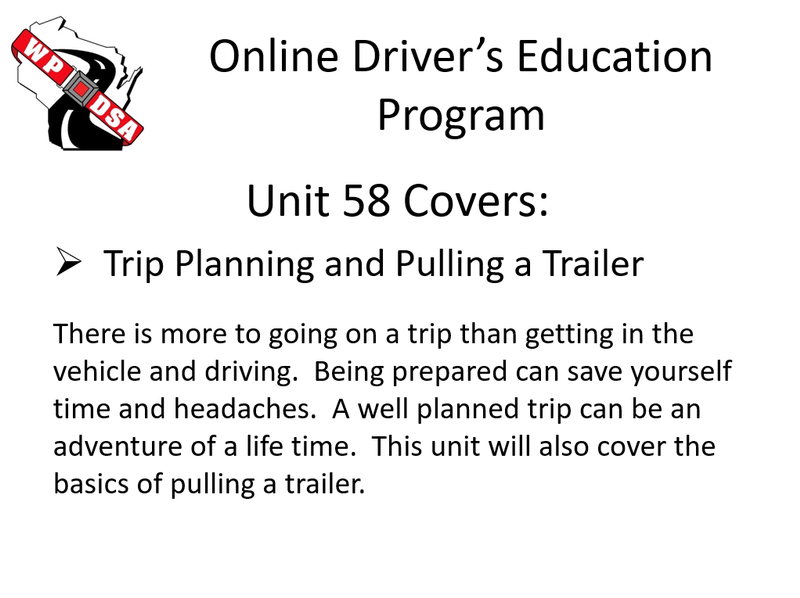
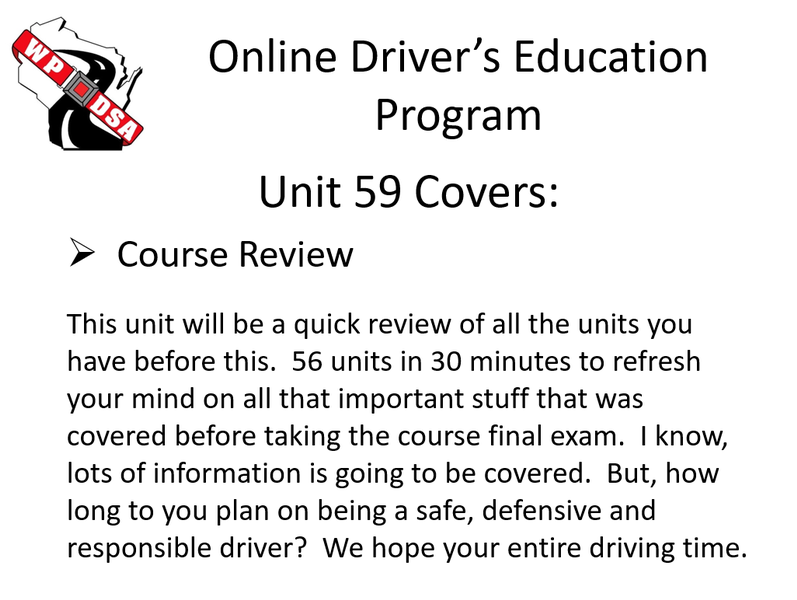
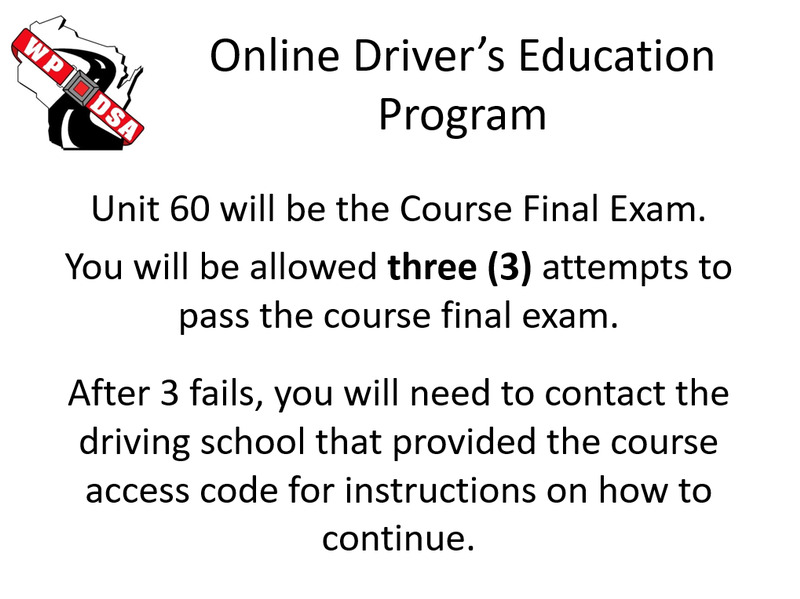
Let’s take a look at what we are going to be covering in the next 59 units.
_______________________________________________________________________________________________________________
 | Some of the units will have slide shows. The slide show icon to the left will appear at the top of the unit page to let you know that the unit has one or more slide shows. There will be different types of slide shows in the units. | |
| Let us take some time to get famillar with the different types of slide shows you will find throughout this program. Yes, you must go through the slide shows in this section. | ||
_______________________________________________________________________________________________________________
This is an easy slide show to use. After reading the information on the slide, just click on the next slide button found on the right side of the slide. If you have a touch screen device, just use your finger to slide the screen to the next. Remember to go through each slide.
_______________________________________________________________________________________________________________
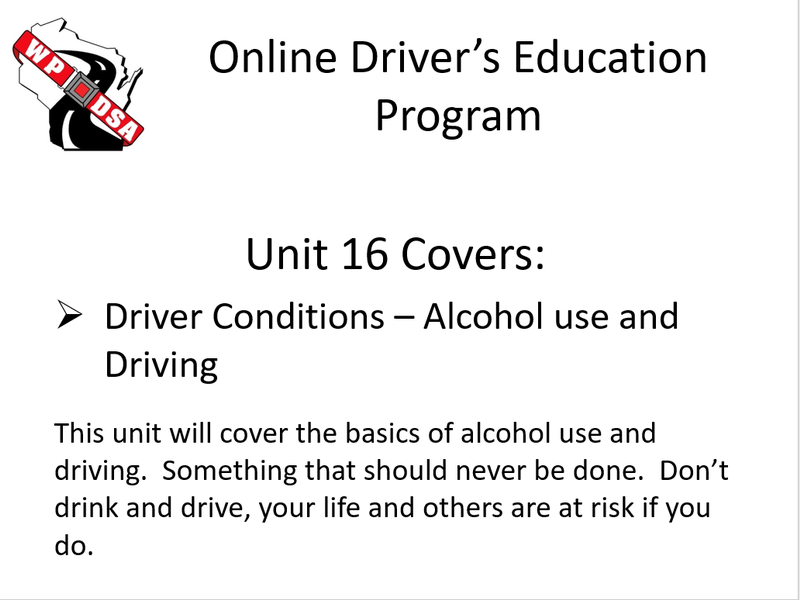
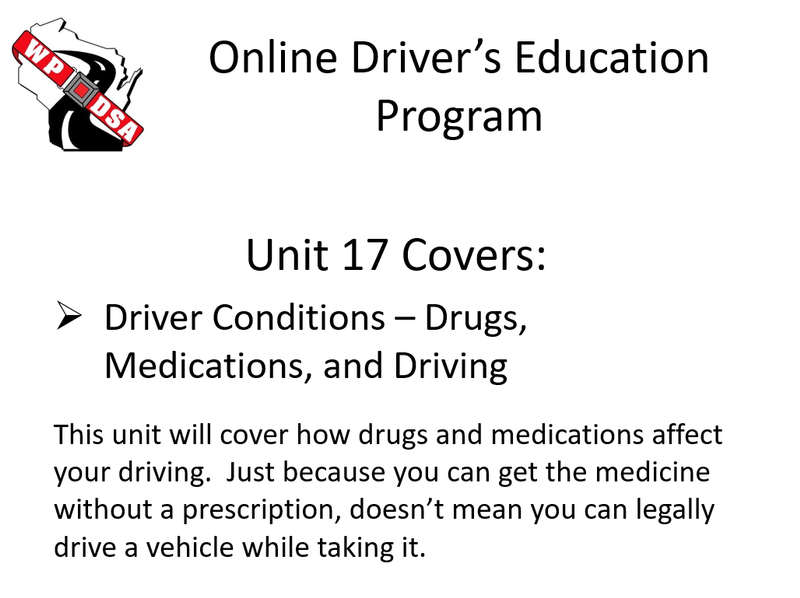
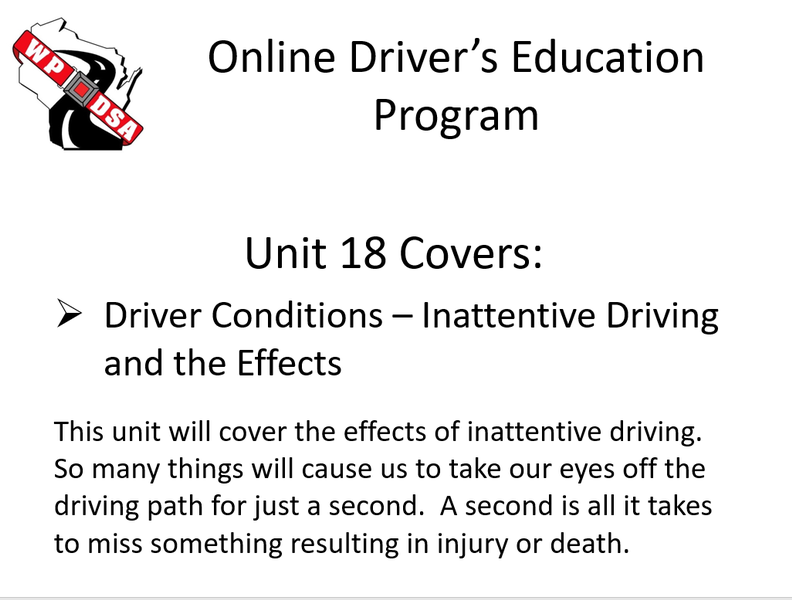
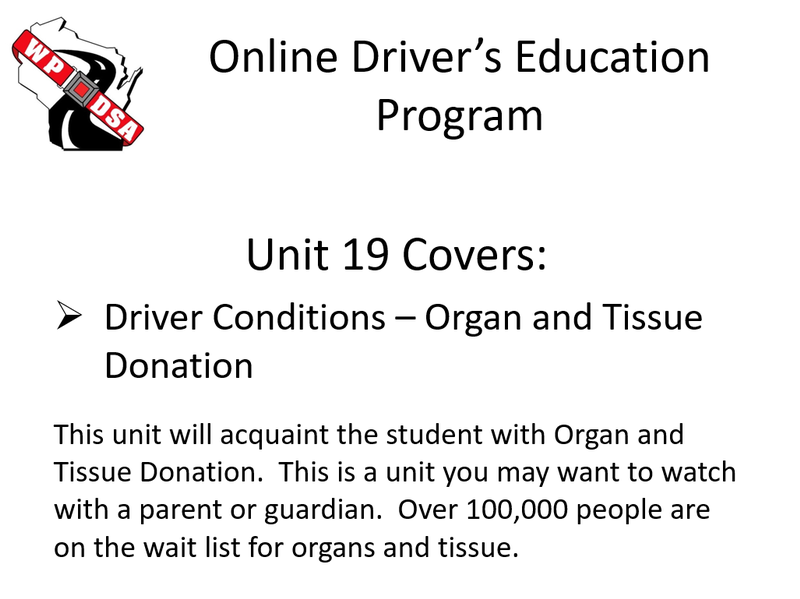
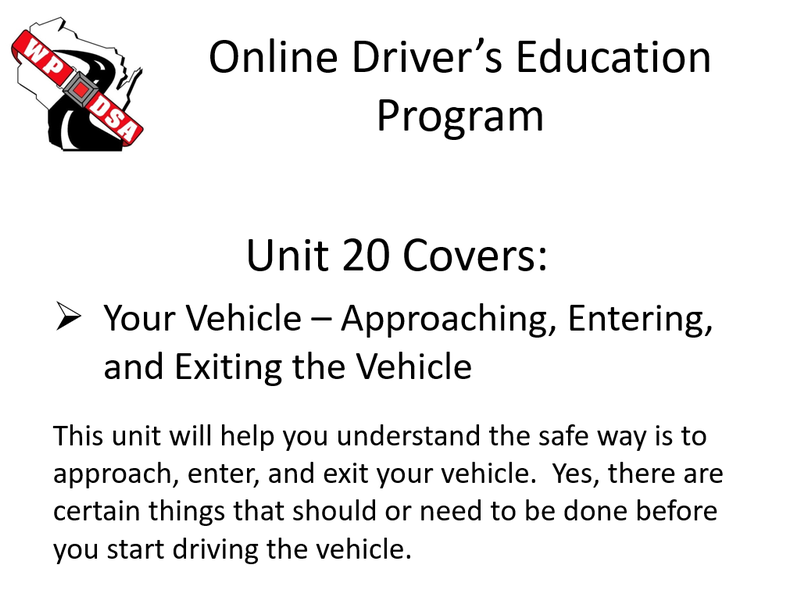
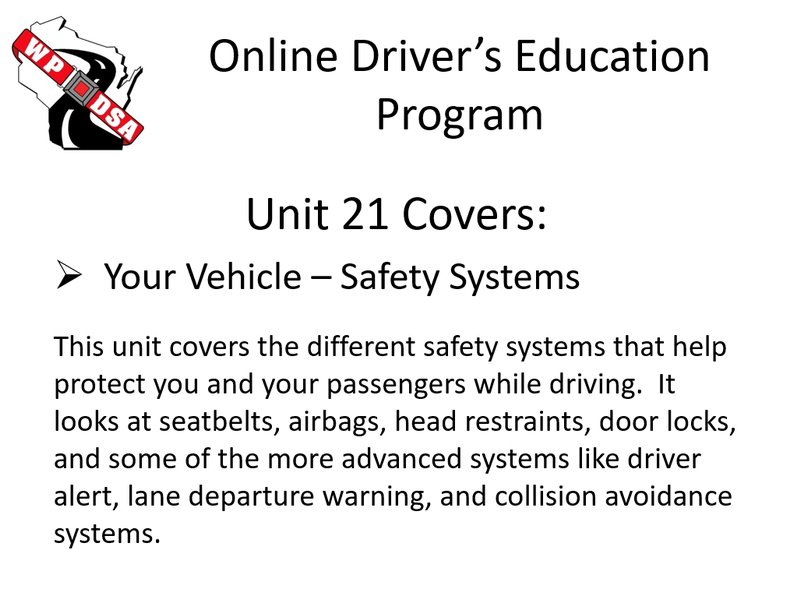
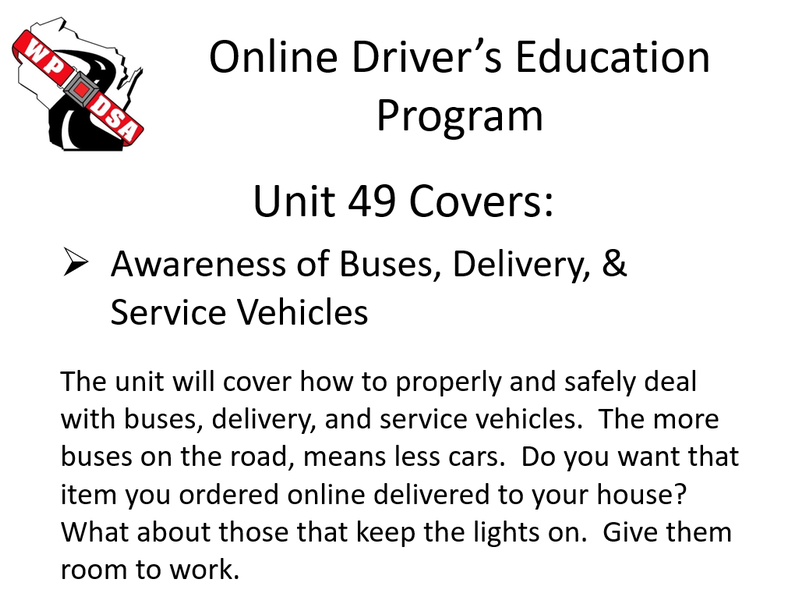
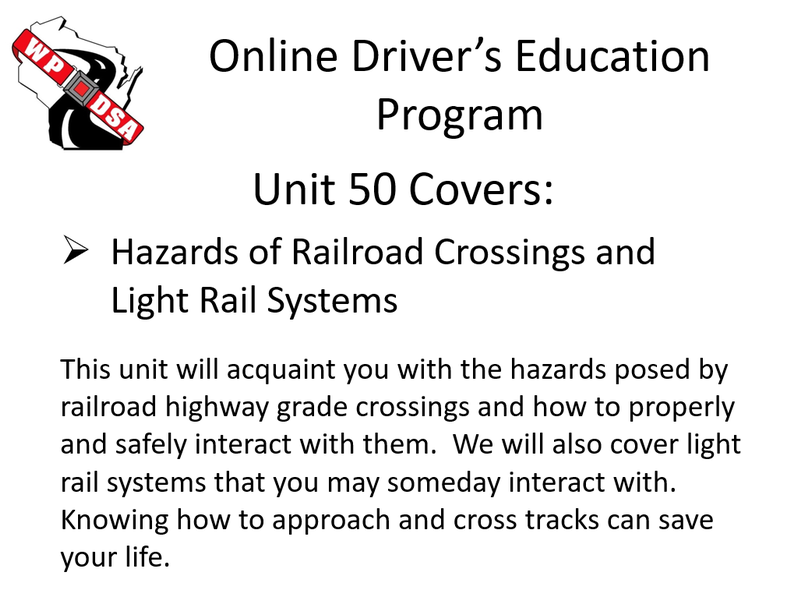
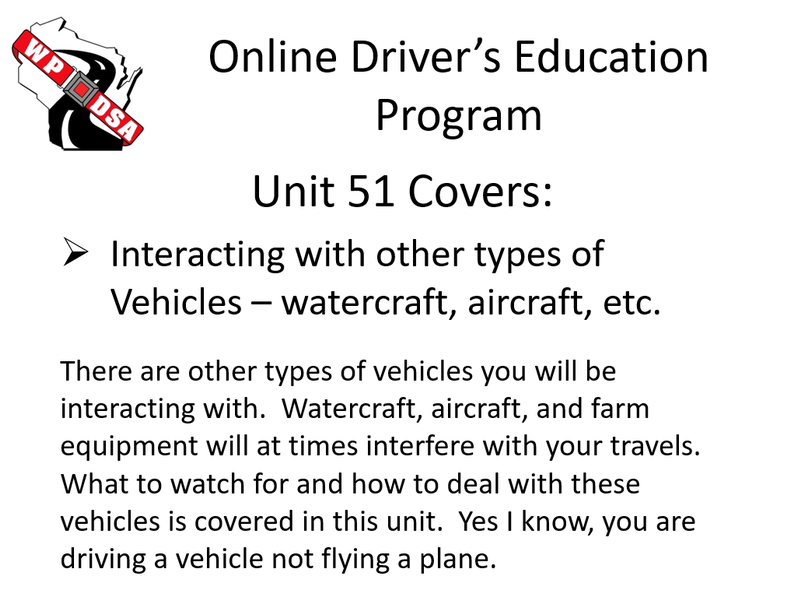
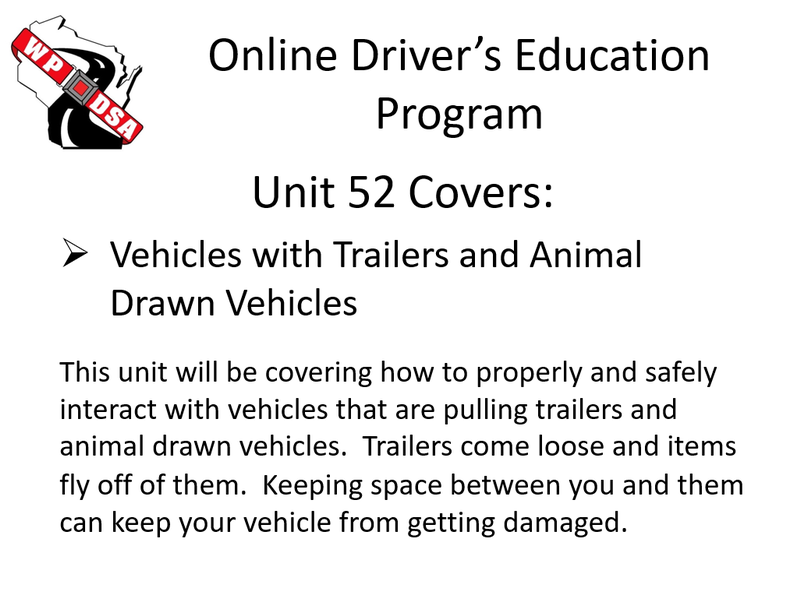
To use the following type of slide show, just click on the first slide to bring up and start the slide show. After reading the slide, just click on the next slide button found on the right side of the slide. Remember to go through the information on each slide. You never know what information may be on the exams. When done with the slide show, just click on the X at the top right of the slide show screen.
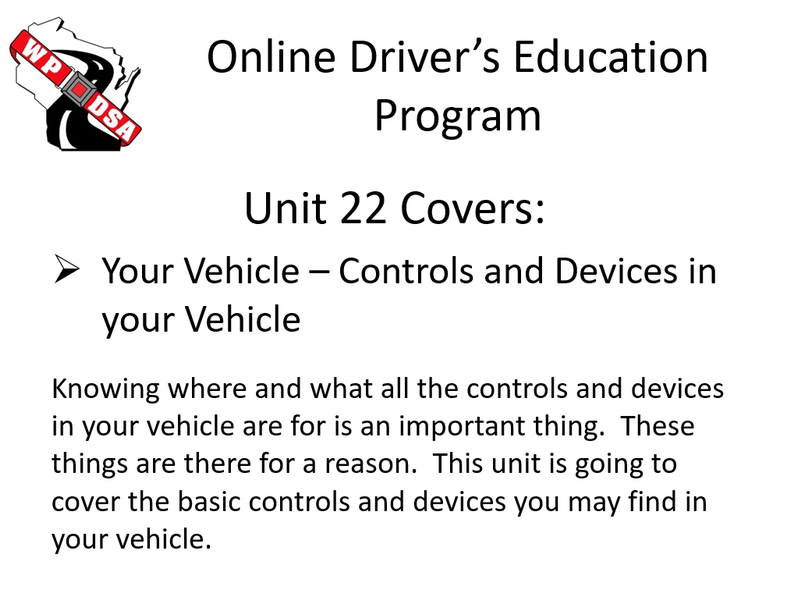
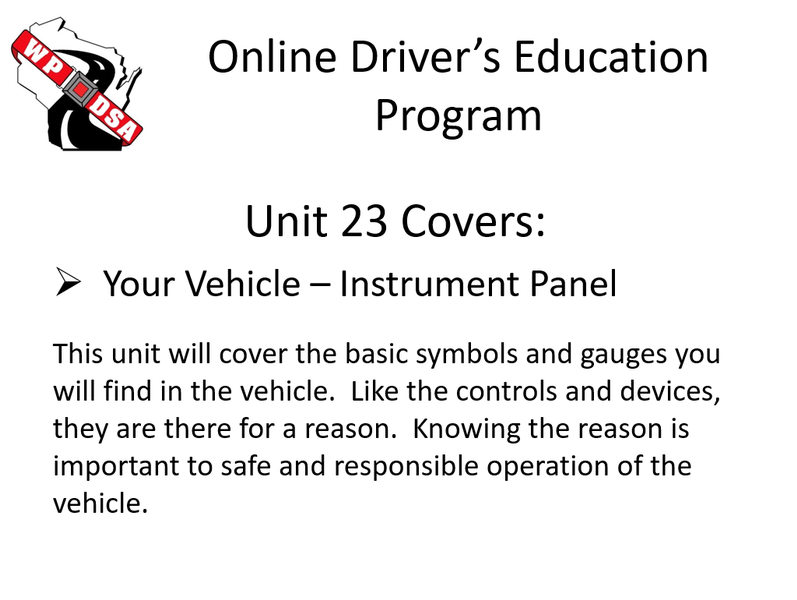
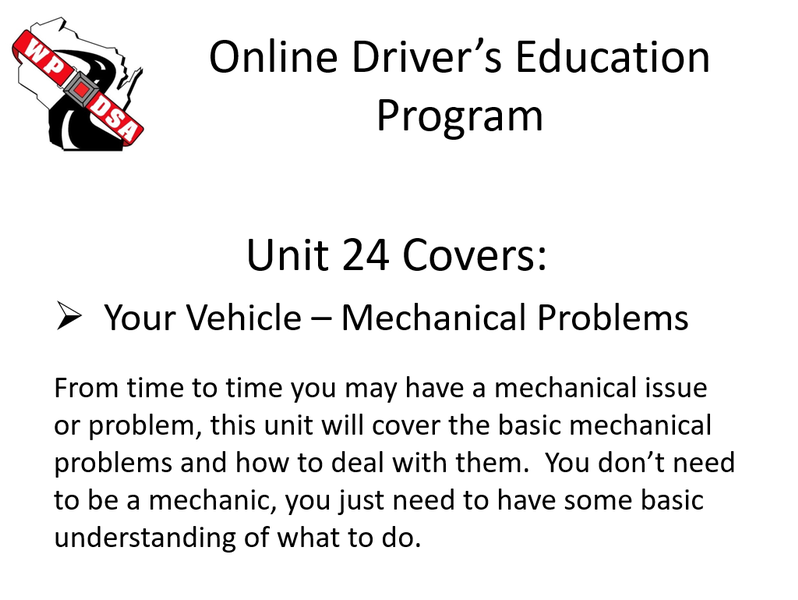
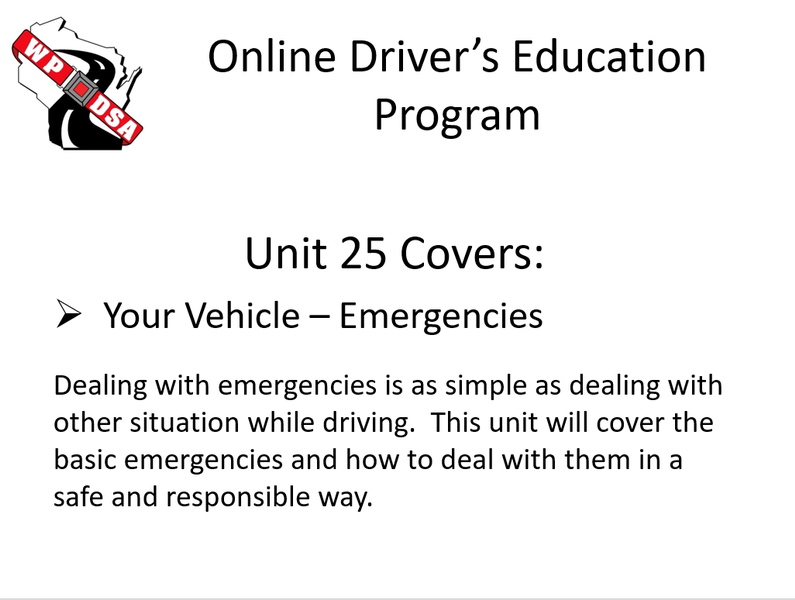
_______________________________________________________________________________________________________________
_______________________________________________________________________________________________________________
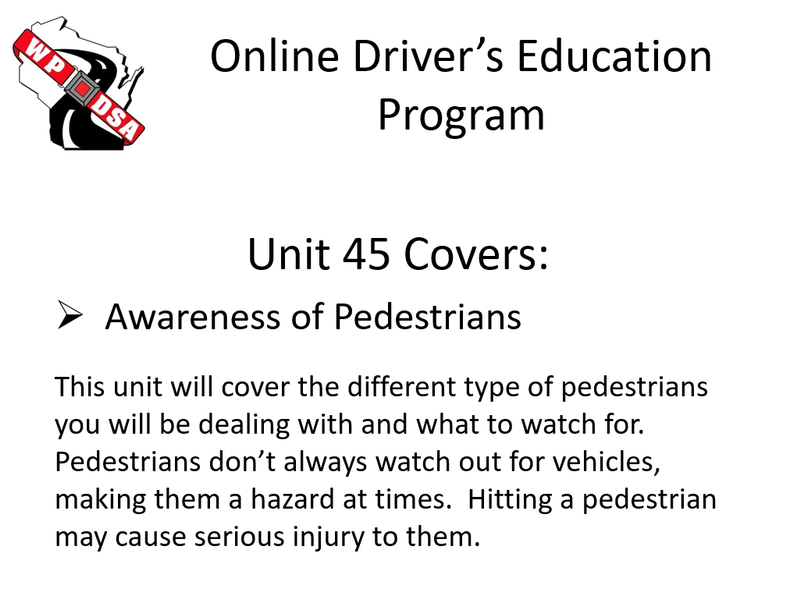
_______________________________________________________________________________________________________________
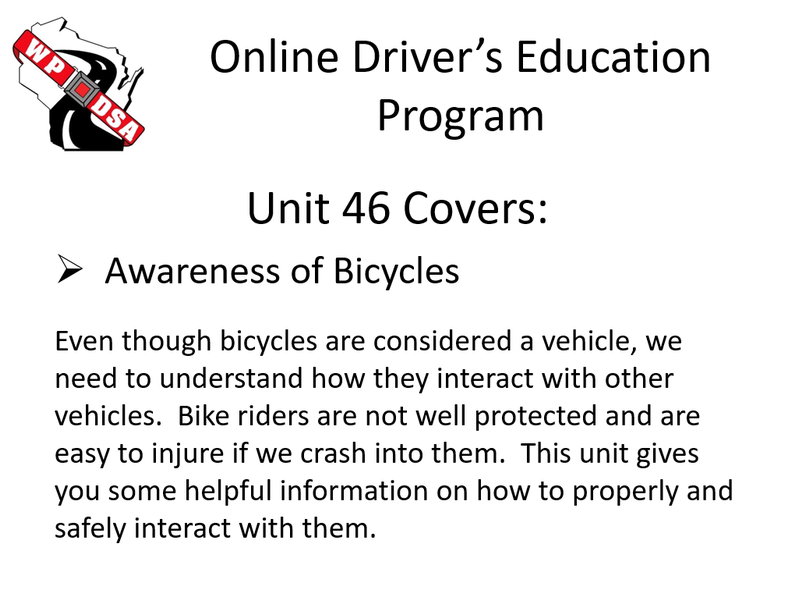
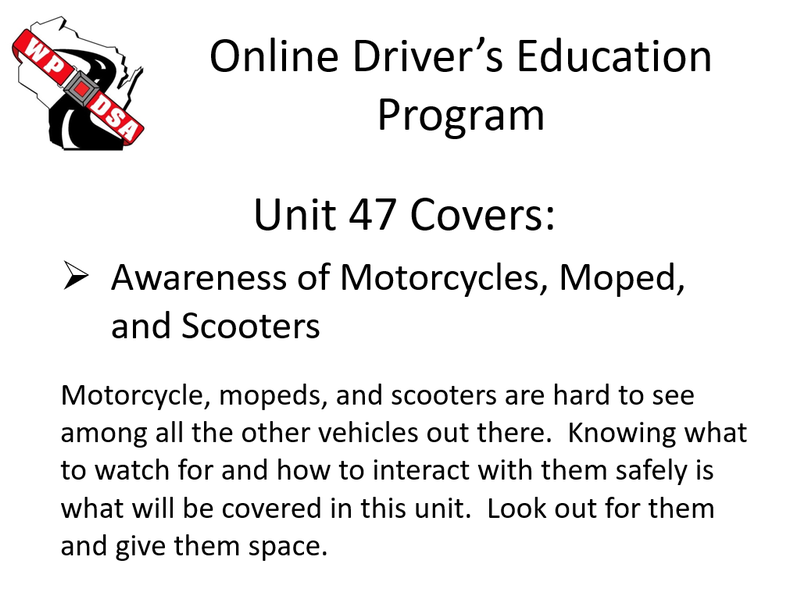
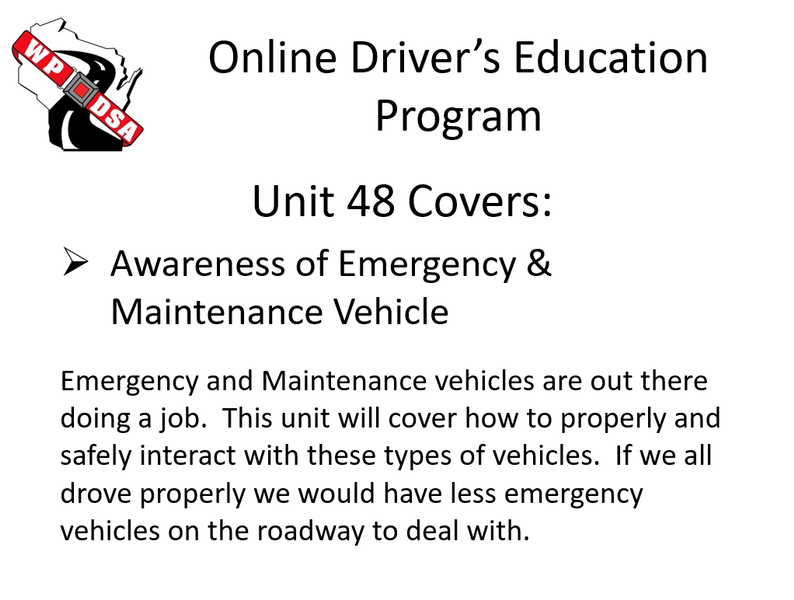
_______________________________________________________________________________________________________________
If at any time during the course you have problems, please contact the driving school you received the course access information from.
You may also visit the questions and answers page of the WPDSA Online Academy.
At anytime you may go back and review a unit that you have already completed.
Reviewing a completed unit will not count towards the 30 hour instructional time requirement.
You must complete all 60 units for the course to count towards your Wisconsin Driver’s Education requirements.
Now that you have a basic idea of what is going to be covered in your 30 hours of online classroom, you are now ready to continue on to the next units.
End of Unit 01 - Proceed to Unit 02